Use cases for an AI receptionist at your clinicEvery kind of call your front desk gets, handled.
After hours, mid-treatment, bookings, changes and questions. Start with what an AI receptionist does for a clinic, or see how it compares with a traditional answering service.
- After hoursEvenings, weekends and public holidays
- Mid-treatmentWhen every practitioner is hands-on
- BookingsNew patients, changes and cancellations
- QuestionsApproved answers, messages and callbacks
Showing all 2 use cases
Guides & comparisons
2Weighing up your options? Start here.
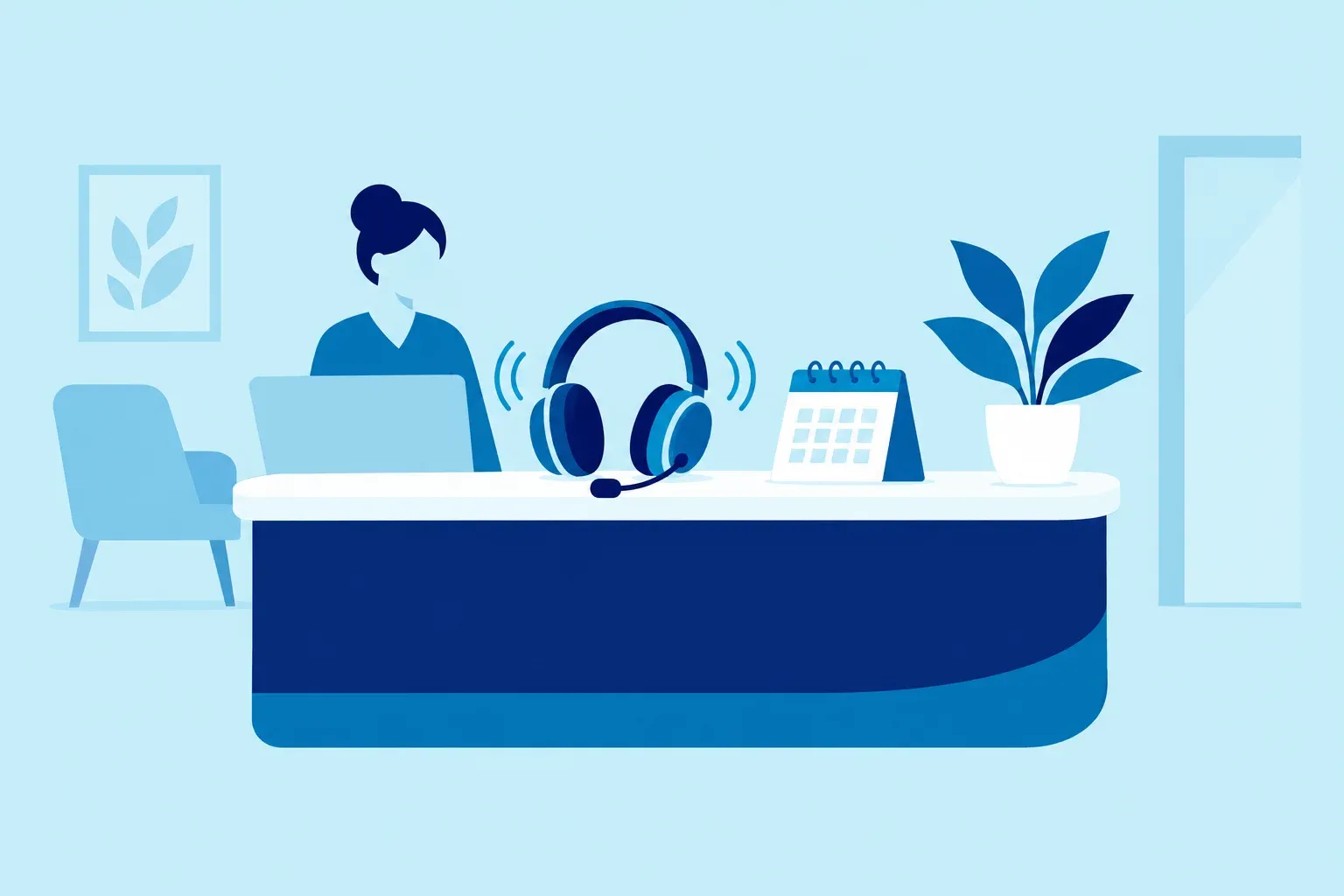
AI receptionist for clinics
What an AI receptionist does for an allied-health clinic, what it should never do, and how to choose one.
- How it works
- What it won't do
- Questions to ask
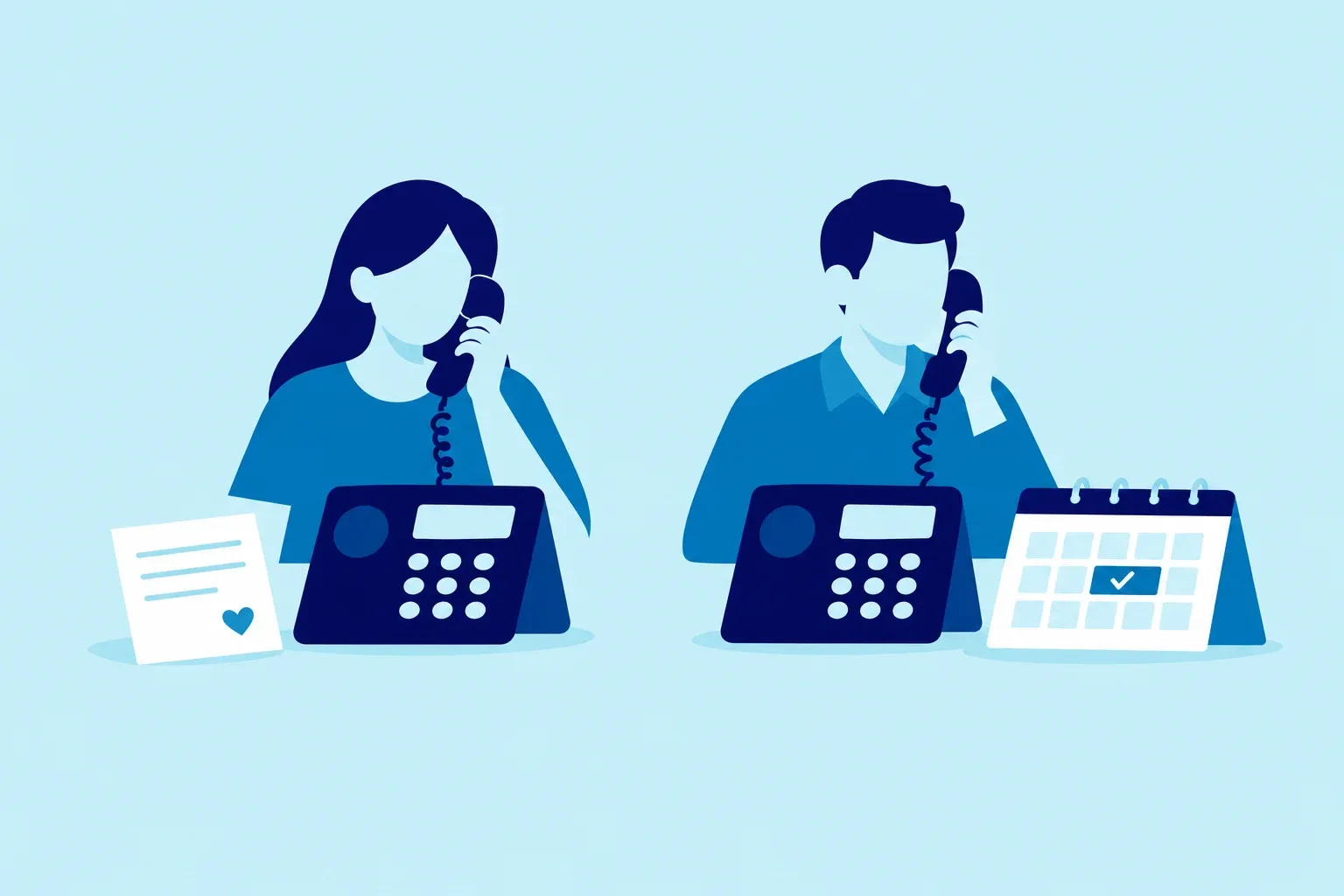
Clinic answering service
How an AI receptionist compares with a traditional answering service for after-hours and overflow calls.
- Messages vs bookings
- Hours covered
- What to compare
Same calls, your kind of clinic
See these use cases with the appointment types and questions your specialty gets.
What stays the same in every use case
Whatever the call and whenever it comes in, the same three safeguards apply.
- 01
Only approved answers
Prices, hours, parking and policies come only from facts you've approved. If it isn't sure, it says so and hands over. It never gives clinical advice.
- ParkingApproved
- Price not on fileHands over
- 02
“You're booked” only after your software confirms
It re-checks the slot right before saving and confirms only once your practice software has saved it. If saving fails, the caller hears it's unconfirmed and gets a callback.
- Slot re-checkedFree
- Saved in your diaryThen confirmed
- 03
A person when the caller asks
Asking for a human always gets your fallback: a transfer, a callback task or a message. Urgent language follows the escalation script your clinicians approved.
- Asks for a personTransfer
- After hoursCallback




Questions about use cases
Which use case should we start with?
After-hours calls are an easy place to start: forward the line when you close and see what comes in. Overflow, lunch and weekend cover can be added later from the same setup, with the same approved answers.
Can Chimehill cover several use cases at once?
Yes. It's one receptionist with one set of approved answers and handover rules. You choose when calls reach it: after hours, when the line is busy, after a few rings, or on a schedule such as lunchtimes.
Does it give clinical advice in any of these?
No. Chimehill is administrative only and never assesses, triages or advises. A caller describing symptoms is offered an appointment or a callback, and urgent language follows the escalation script your clinicians approved.
What happens if a booking can't be saved?
It never tells the caller they're booked until your practice software confirms the save. If saving fails or times out, it checks what actually happened, tells the caller the booking is unconfirmed and creates a callback task for your team.

Every call deserves an answer.
Hear Chimehill answer as your clinic, booking into your own practice software.
14 days free · No lock-in contracts