
AI receptionist for social work practices
Chimehill is an AI receptionist for social work practices. It handles bookings and admin so sessions aren't interrupted.

- Bookings and admin only, never asks why someone is calling
- Distress or risk language goes straight to your crisis script
- NDIS, MHCP and DVA questions passed to you
 Cliniko integration
 Splose integration
 PracSuite integration
 Nookal integration
- New client booking After hours · 7:40 pmNew client appointment booked
- NDIS participant Lunchtime · 12:40 pmCallback task for an NDIS question
- MHCP and DVA Mid-morning · 10:15 amAppointment booked, MHCP question routed to the team
- Reschedule Between sessions · 11:05 amMoved to Wednesday 2:00 pm
- Distress or risk After hours · 10:50 pmPractice's crisis script followed
Chimehill at a glance for social work practices
 Picking up while the desk is busy
The call is answered
Chimehill picks up as your clinic when your team can't, day, night and weekends, and works out what the caller needs.
Your diary is checked live
Before offering a time, it reads the real free slots in your practice software, using only the appointment types and practitioners you allow.
Saved, then confirmed
Bookings, moves and cancellations are saved in your practice software first. Only then does the caller hear it's done.
You can't take a call mid-session
A social work session isn't something you step out of to answer the phone. New clients often ring the first time they've worked up the courage, and if nobody picks up, they often don't try again. Chimehill answers each call with care so you can stay with the person in front of you.
 In session
Your door is closed
You'd never take a call mid-session, but people still ring.
 On a home visit
You're out of the office
You're with a client at their home, and the practice line keeps ringing.
 After hours
The practice is closed
People ring in the evening. Chimehill answers and books them in.
Answer every call without leaving the session

Books new clients
Initial consultations and follow-ups, in person or telehealth if you offer both, into real slots in your diary. It uses only the appointment types you approve.
Handles reschedules
Moves or cancels bookings after an identity check, reads your notice policy and re-checks the new slot before saving.
Answers practice questions
Fees, hours, location, parking, telehealth and what to bring, from answers you approve. It never asks why someone is calling and never guesses.
Covers after hours
Evenings, weekends and public holidays: callers book or leave a message instead of ringing off, and anything urgent follows your escalation script.
Loops in your team
NDIS plan questions, MHCP referrals, DVA eligibility and anything clinical go to you as a callback with a short, administrative summary.
Examples of how Chimehill helps social work practices
Each call plays on its own. Pick one to jump to it. Illustrative calls, not real patients or clinics.

Example call: New client booking
After hours · 7:40 pm- CallerCaller: I'd like to book an appointment with a social worker.
- ChimehillChimehill: I can help with that. I won't ask about the reason for your visit, just a few details to make the booking.
- CallerCaller: OK.
- Free times found
- ChimehillChimehill: Jess has Tuesday at 5:30 pm or Thursday at 10:00 am free for new clients. Which would you like?
New client appointment booked
Example call: NDIS participant
Lunchtime · 12:40 pm- CallerCaller: I'm an NDIS participant and I want to use my plan for social work support.
- ChimehillChimehill: NDIS plan questions go to the practice, so they can read your plan and give you a straight answer.
- The team will call back
- ChimehillChimehill: I'll ask them to call you back. Would you like to pencil in a first appointment in the meantime?
- CallerCaller: Yes, please.
Callback task for an NDIS question
Example call: MHCP and DVA
Mid-morning · 10:15 am- CallerCaller: My GP wrote me a Mental Health Care Plan. Can I see a social worker here?
- ChimehillChimehill: Referral and funding questions go to the practice so you get a clear answer.
- ChimehillChimehill: I'll pass the question on and ask them to call you back. I can still book an appointment now if you'd like.
- The team will call back
- CallerCaller: Please book me in for a first session.
Appointment booked, MHCP question routed to the team
Example call: Reschedule
Between sessions · 11:05 am- CallerCaller: I need to move my appointment next week.
- ChimehillChimehill: Of course. Can I confirm your name and date of birth first?
- CallerCaller: Rhea Patel, 12 August 1988.
- Free times found
- ChimehillChimehill: Thanks, Rhea. Your social worker has Wednesday at 2:00 pm free. Shall I move it there?
Moved to Wednesday 2:00 pm
Example call: Distress or risk
After hours · 10:50 pm- CallerCaller: I'm not safe tonight and I don't know who to call.
- Crisis steps started
- ChimehillChimehill: Thank you for telling me. I'm going to follow the practice's crisis steps now.
- ChimehillChimehill: [The practice's approved crisis script — for example, emergency services and the crisis lines your social workers choose.]
- Practice told
- ChimehillChimehill: I'm also letting the practice know, so someone follows up.
Practice's crisis script followed
- No questions about reasons or history
- Only appointment types you allow
- Confirmed once your software saved it
Connect to the software you use daily
Chimehill reads your live diary in Cliniko, Splose, PracSuite or Nookal and books in real time. A caller is told they're booked only once your software saves it.
 Cliniko integrationSplose integrationPracSuite integrationNookal integration
Careful with every call
Chimehill never asks why someone is calling and never gives clinical or therapeutic guidance. If a caller uses distress or risk language it stops the booking and follows the crisis script your social workers wrote and approved, then flags the call for urgent follow-up.
- Never clinical. No diagnosis, triage or treatment advice
- Checks who's calling before opening or changing a booking
- Urgent or distressing calls follow the escalation script your clinicians approve
- Tells callers they're booked only once your software confirms it
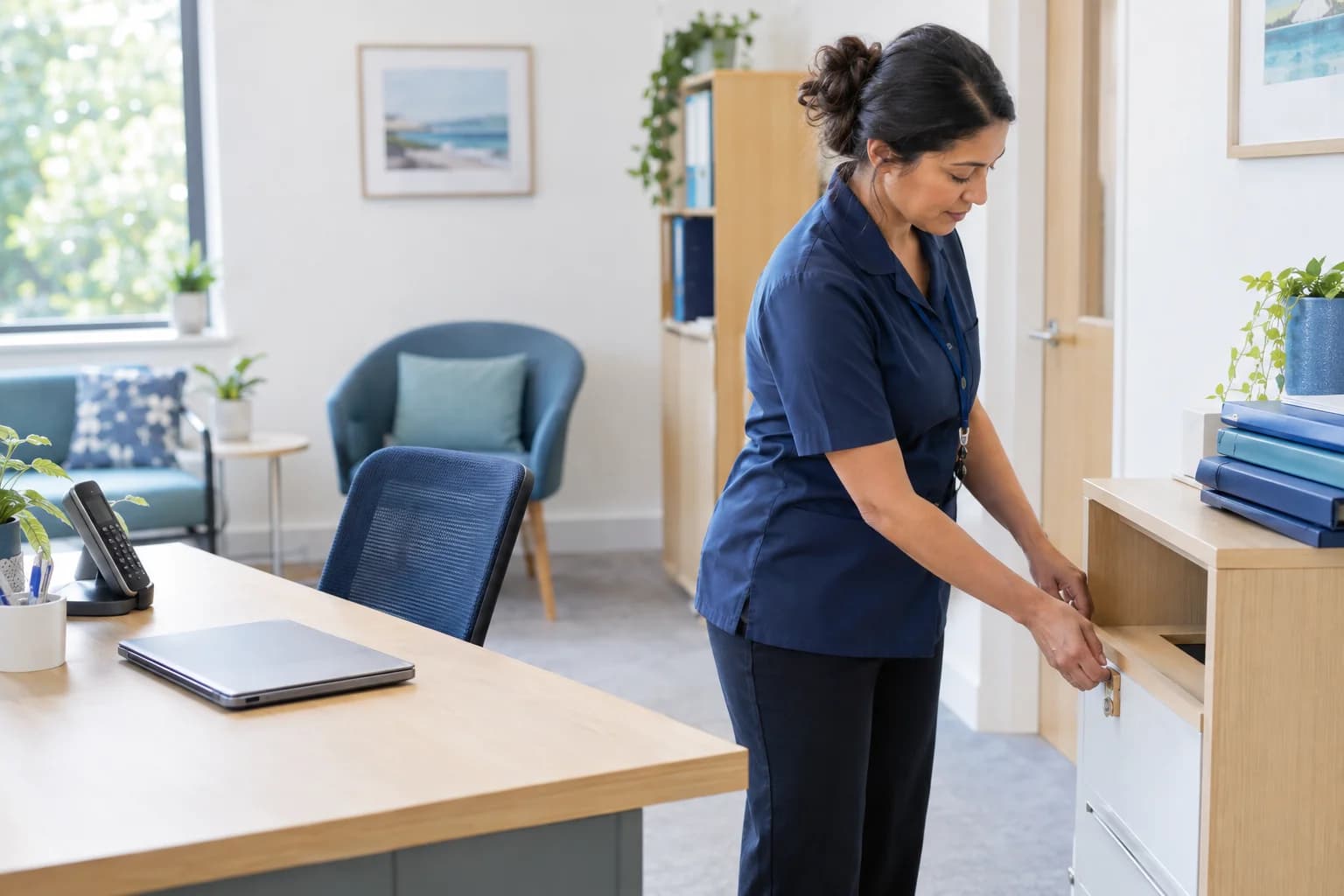
Built for allied-health clinics
- TherapyIntake, reschedules and admin with a strict crisis protocol
- AudiologyHearing tests, hearing-aid reviews and NDIS routing
- DietitiansNew-client intakes, reviews and Medicare EPC routing
- Occupational therapyInitial assessments, home-visit routing and NDIS admin
- Chinese medicineInitial consults, course rebooking and herbal pickups
- Music therapyNDIS admin, paediatric and adult sessions, and group pencil-ins
Questions social workers ask us
Does Chimehill ask why clients are booking?
No. It takes only the details needed to make or change a booking. It never asks about reasons, history or presenting issues, and call summaries stick to the administrative details your practice needs.
How does it handle NDIS participants?
It books an appointment if the caller wants one, and sends any plan or funding question to the practice as a callback. NDIS plan reading, managed vs self-managed status and billing all stay with your team — Chimehill never guesses.
Can it answer Mental Health Care Plan or DVA questions?
No. Mental Health Care Plan (MHCP) referrals, DVA eligibility and rebate questions depend on the client's paperwork, so they go to the practice as a callback task. It can still book the appointment if the caller wants one.
What happens if a caller is distressed or at risk?
It stops the booking and follows the crisis script your social workers approved — for example, directing the caller to emergency services and the crisis lines you choose — then flags the call for urgent follow-up. It never counsels, assesses or advises.
How is client consent and confidentiality handled?
Identity is checked before any booking is revealed or changed, and call summaries stay administrative — no clinical detail, no case content. The practice sets what Chimehill is allowed to confirm and to whom.
Which practice software does it book into?
Cliniko, Splose, PracSuite and Nookal, live as of October 2026. Chimehill reads live availability and only says an appointment is booked once your software has saved it. Using something else? Tell us when you book a demo.
Can we keep our clinic phone number?
Yes. You forward calls to Chimehill — all calls, only overflow when the desk is busy, or only after hours — and you can change that or switch it off whenever you like.
How much does it cost?
Plans start at $249 a month (AUD) for 100 calls; the recommended plan is $379 for 200 calls. Calls past your allowance are $2.70 each. Every plan starts with 14 days free and there are no lock-in contracts.
Will callers know they're talking to an AI?
Yes. Chimehill introduces itself as your clinic's virtual receptionist on every call, and a caller who asks for a person always gets your configured fallback — a transfer or a callback.

Every call deserves an answer.
Hear Chimehill answer as your clinic, booking into your own practice software.
14 days free · No lock-in contracts